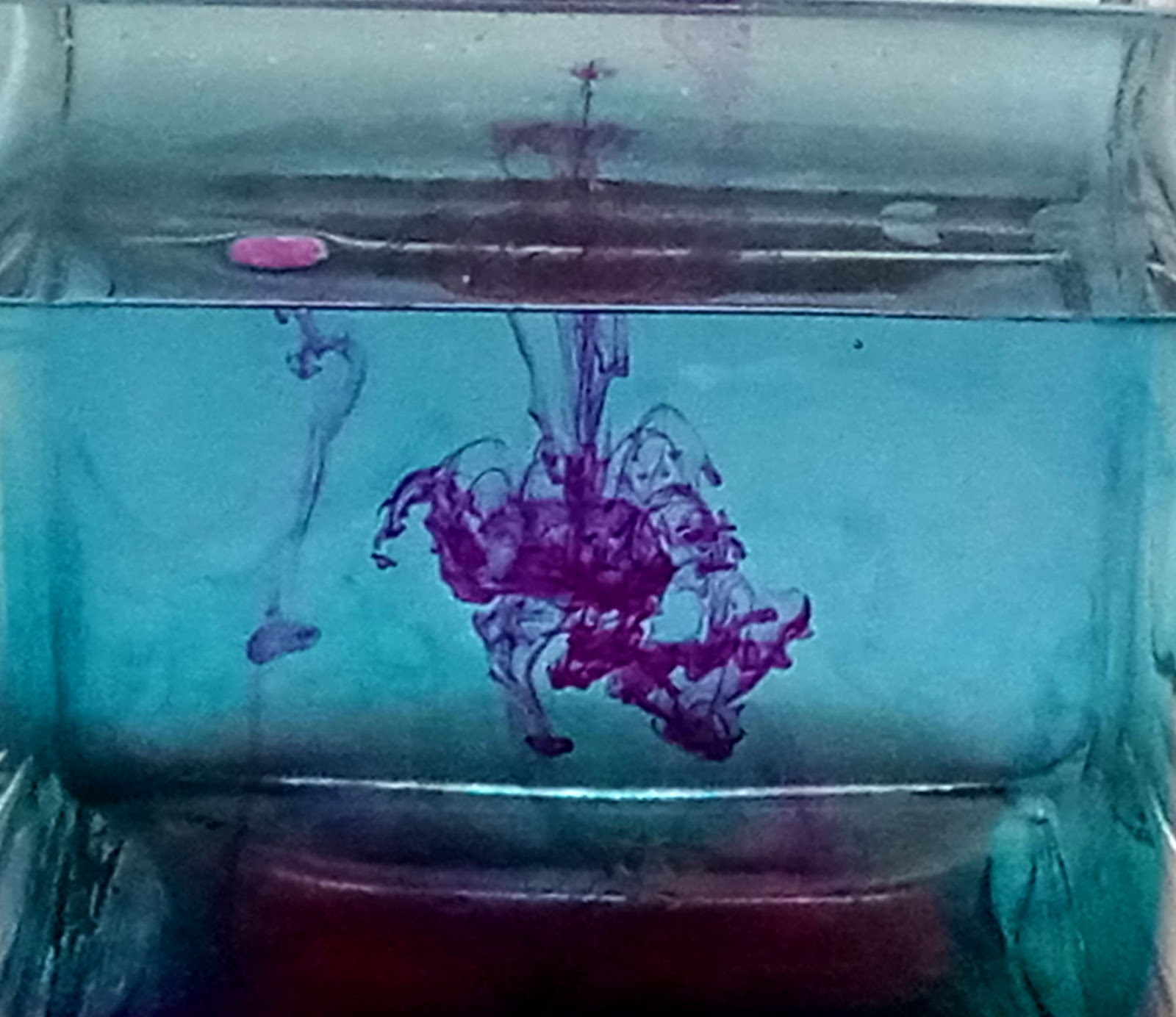
1.- The best shot of this assignment is the first stop motion, because it show the objectif and its beautiful... 2.- The weakest shot of this assignment is the second stop motion,just because of the top I think I should have fixed more... 3.- I can improve it by working on it on better on Photoshop by using crop tool or healing... 4.- I used Photoshop, I used crop, levels,color balance...tools... 5.- Manipulating the shutter speed aperture influence the outcome of my images by giving it a ghost effect, which appeared blurry,and stop motion... 6.- It was easy to do the stop motion, because you just had to adjust the shutter speed, and take the picture while something is in movement... 7.- It was difficult to take the blurred motion, because when I try to take the pictures some of them appeared to bright,or to blurry...it wasn't easy... 8.-I would do the blurred motion differently... 9.- I would have rate myself an eight (8),because it took me too long to be done with it...and the blurred motion was not easy on me, and I'm not really sure if they are good...
1.-The best shot for me is the third one...because it respond clearly with the objectif. 2.- For me none of them represent the weakest because they are all good... 3.- I could improve all my picture on focusing more on the objectif. 4.- I used Photoshop...I used crop tool,level Adjustment... 5.- The changing the aperture and shutter help to focus more in one subject...Yes it's actually easy if you put time in it... 6.-It was easy to take the pictures,because I had the explanation to do so.. 7.- It was difficult for me to label them...because I couldn't really tell the difference... 8.- If I could do it again I would have take more pictures. 9.- I would say a 7...because I didn't take enough pictures..
1.- I like all of them, I could say the third one was the best for me...because it show multiple things and the light is really good. 2.- I don't see any of them weak, they are all good...for me🙂 3.- The only thing I would improve is to make more effort so they can be perfect. 4.- I used Photoshop...I used crop, levels,selective color tool... 5.-The light that is behind show the shadow of the objects forms... like this it help us tell a narrative in the image... 6.- It was easy to obtain the back light... because you know when and how to take them... not putting to much light and stay in front of it. 7.- For me the difficult was to take them...because I wanted to use the sunlight but unfortunately it rain most of the time... 8.-I would use human model this time,,and more style... 9.-I would rate myself to 9...because I could do better than this...